
How to Turn Complex Product Photos into E-commerce Images in Seconds
pixBot Hero Team
Product & Automation Team

Before
Original photoAfter
Pixbot Hero asset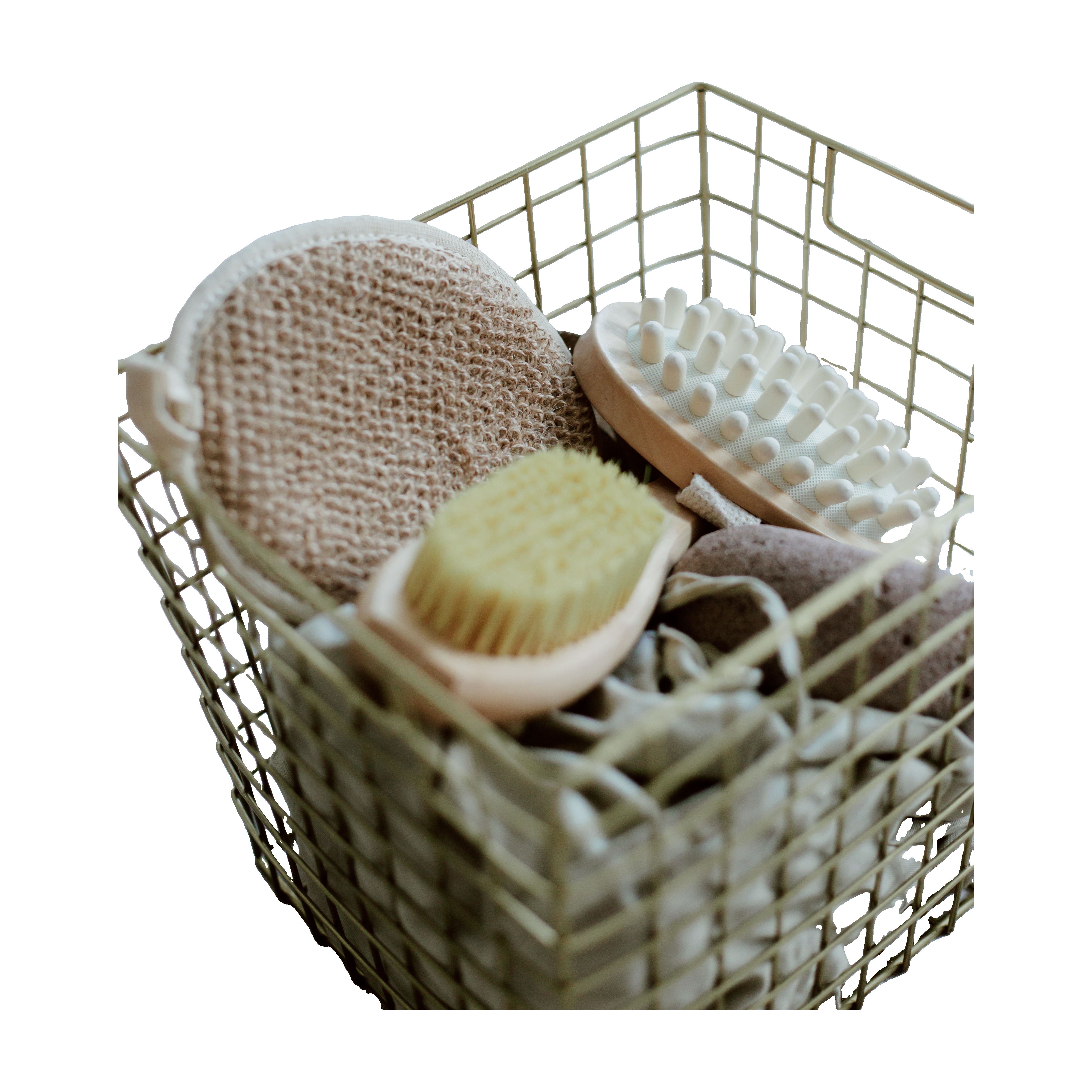
Why complex product images take so much time
Consider a photograph containing a wire basket filled with several products. The image contains thin wires, many small openings, overlapping objects, curved edges, and complicated boundaries.
Manually separating the products from the background can be a tedious process. And for an e-commerce business, that manual work has a direct cost.
A professional image editor may need to carefully work around the following details:
- Thin wires and cables
- Small holes and openings
- Curved edges
- Overlapping products
- Fine object boundaries
- Similar colours between the product and background
- Shadows and surrounding objects
The real cost is not just editing
The more complicated the image, the more time the editing process can take. For one product, this may be manageable. For 100, 500, or 5,000 products, it becomes an operational problem.
Suppose a product has already been photographed. The product still needs its marketplace images before the listing can go live. If image editing takes a day, the listing may be delayed by a day. If an entire catalog requires manual processing, the delay can become much longer.
Every day a product is delayed from listing is a day of potential sales that the product is not generating. That makes image processing more than a design expense. It becomes part of the speed of your e-commerce operation.
pixBot Hero automates the repetitive work
pixBot Hero is built to turn existing product photographs into e-commerce-ready image assets. Instead of manually editing every image, you can upload your product photograph and let pixBot Hero process it automatically.
For difficult images, the objective is not simply to detect the largest object. The system is designed to preserve complicated product structures such as thin lines, openings, and detailed silhouettes.
In the example used in this article, the wire basket contains numerous intersecting wires and multiple overlapping products. This is exactly the kind of image where manual editing can become expensive and time-consuming.
pixBot Hero can process the image in seconds, rather than requiring a lengthy manual editing workflow.
A fraction of the traditional production cost
Manual image editing involves people, time, and repeated production work. AI automation changes that equation.
Instead of paying someone to repeatedly perform the same background-removal and preparation tasks, businesses can automate much of that production workflow. That can reduce the cost of preparing large numbers of product images while dramatically reducing turnaround time.
From photography to listing faster
The larger goal is not simply background removal. It is reducing the time between taking the product photograph and putting the product up for sale.
That matters particularly for:
- Amazon sellers
- Shopify stores
- DTC brands
- Etsy sellers
- Marketplace agencies
- Catalog teams
- Businesses launching many products at once
Try your hardest product images
The best way to evaluate an image-processing tool is not with an easy photograph. Try it with the difficult ones.
Upload your product photos and see how pixBot Hero handles complex edges, thin structures, and complicated backgrounds.
Image source
The original photograph used in this demonstration is “Basket with Beauty Products” by Ron Lach, hosted on Pexels. Pexels permits free commercial use and modification of its photographs under its license.
Key Takeaways
- •Complex product photos can make manual isolation slow and expensive.
- •AI product image editing can reduce repetitive background-removal work and turnaround time.
- •Faster image production helps e-commerce teams move products toward publication sooner.
- •The hardest images are the best test of an image-processing workflow.
Automate Your Amazon Hero Images
Process product assets in bulk with free previews and pay only when you download.